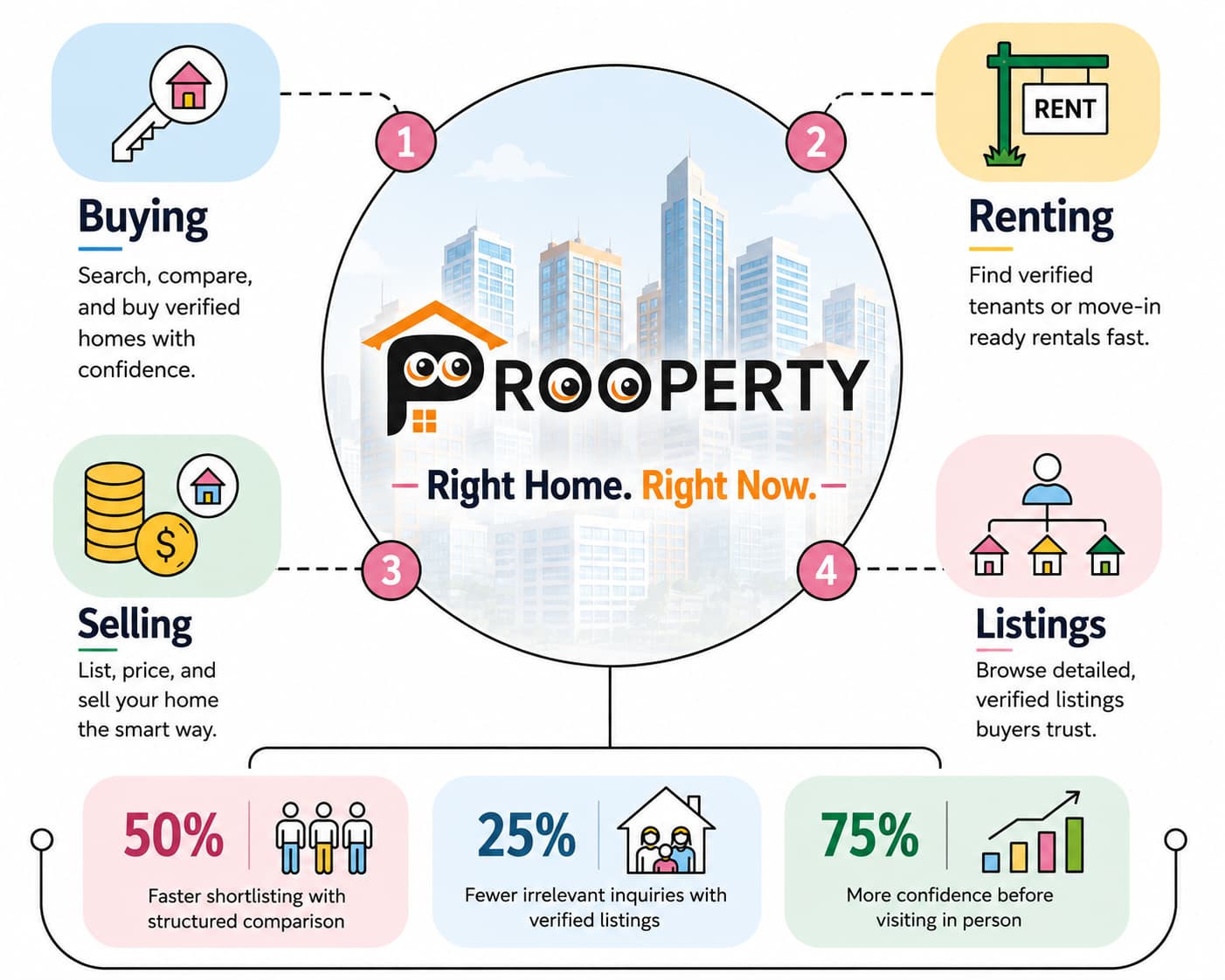
Entering a brand name in a search bar might seem easy enough; however, the process will not be as simple because some form of automatic feature may end up changing your entry. The issue is more prevalent than people think in the case of brand names that sound like familiar words, and it is precisely what happens when you try searching for Prooperty for the first time. This article goes through the details of what happens when you do a Prooperty search and why you get misleading results.
It is not a one-off occurrence either since this is a problem that is faced by brand names that have been created using a slight variation of an everyday word. This is a decision that the search engine needs to make each and every time you enter a search term and the decision may not coincide with the actual entry made by the user.
What Happens When You Search "Prooperty"
Search for "Prooperty," and chances are that you will get a small prompt just above your search results asking if you meant "property." It is nothing to worry about; that is what search engines are designed to do. They spot errors that are easy to make, and when you have two "o"s side by side in a much more common word, your error is automatically spotted. What often happens is that people automatically click on the suggested word without even realizing it.
Why the Spelling Prompt Shows Up
Word frequency plays a major role in helping search engines make guesses about intent. The word "property" is found in searches in massive amounts daily on websites of real estate, in dictionaries, or in news. The term of the particular brand name will be found in fewer amounts compared to the former in the same dataset. In a situation where the search engine encounters a term that is not familiar but is nearly similar to another extremely common one, its first impression is to correct the typo.
Why the Results Can Look So Different
As soon as a query transitions to the common word instead of the brand name, the whole page of results transforms itself. No more will there be one single site with its pages, but instead, there would appear definition of the word in a dictionary, portals about real estate in general, news articles, and a lot of other pages unrelated to your search at all – they are indeed related to the common word “property,” but not to your brand.
Common Ways a Search Gets Misdirected
The spelling prompt on a desktop browser is the most visible version of this, but it isn't the only place things can go sideways.
The mobile autocorrect feature completes the word even before one has finished typing the second "o" and automatically substitutes the branded one for the generic one without providing any sort of suggestion
Voice search also provides its own challenges because the speech recognition software must deduce the spelling only through pronunciation and thus a lesser known brand name would certainly be replaced with the more popular word it resembles
The browser address bar will provide suggestions that complete a brand name into a generic URL that was visited by the user previously in case of frequent visits to the generic site
A saved search history makes matters worse in this regard because a search engine will learn from mistakes and not repeated intentions
None of these are unusual glitches — they're just different versions of the same underlying pattern: an uncommon word losing out to a much more familiar one unless you actively correct for it.
What a Misdirected Results Page Looks Like
It helps to know exactly what to expect if a search does get redirected, so you can recognize it immediately rather than assuming something's broken.
If your results page looks more like the right-hand column, that's usually the clearest sign the search quietly shifted away from what you intended to type.
How to Search Correctly
There are a couple of simple practices that will prevent such confusion from happening, and they all don’t need knowledge of technology at all — just some understanding of the way search engines usually act when encountering an unknown name.
Carefully type out the full brand name, including both o’s, instead of allowing the autocomplete feature to fill it in for you.
When there is a “Did you mean” question that pops up on screen, make sure to double check it since it is usually trying to modify your search terms into the generic term without asking.
Also include another term next to the name, such as a location, a category, or .com; this will usually help your results to be tied more with the brand than the generic term.
Make sure to bookmark the site after your first visit there.
Prooperty.com vs Generic Searches
The two forms of searches are quite distinct, especially in regards to their nature and intention behind each search. A generic property-related search, by its design, seeks out multiple sites that compete over the same broad topic. This makes sense if your intention behind conducting a search is exactly that – exploration of all sorts of possible destinations. However, a branded search implies there is one proper destination, so getting there is the primary aim, rather than finding alternative options of vaguely related websites.
Being aware of which kind of search you actually need to conduct will change the way you input your query. Indeed, conducting a generic search if your intention behind it is to browse all possible sites that may be of interest to you is exactly how it should work. If, however, you have already chosen the brand you seek out, using it as your destination point is the key to avoiding being redirected to an unintended destination.
How to Identify the Official Website
Once you're looking at search results, a few details help confirm you're on the right page:
The URL appears as prooperty.com, with both Os being spelled correctly, as opposed to any alternatives
The website features the secured connection symbol (which usually takes the form of the padlock on the browser) alongside the URL
The design of the site, branding, and content are in line with what would be expected on a legitimate real estate platform
If there is any contact information displayed, then it will be consistent with that of a real company and not just a dummy site
How to Find Official Pages Beyond the Homepage
Once you get to the correct website, the same spelling techniques can be applied to exploring within it. Create bookmarks for those pages that you frequently access – a page with search results, a page with a saved item, or a certain category – so that revisiting them does not involve using a search engine at all. Should you ever get to a page via an external link, it would be wise to verify the domain name in the address field.
Why Brand Spelling Matters
The reason why this unusual spelling exists is because it is the reason the trademark can be found on its own without being mixed up with an overwhelmingly frequent regular word. The downside to this is that it increases the risk of an error due to auto correct and/or autocomplete function. This information is quite helpful since it allows understanding why sometimes a search takes one to places other than expected and transforms this situation from being confusing into something one will be able to identify right away in the future.
That is why once the spelling is known and memorized, it is important to use it consistently in order to form a good habit and be able to spot an error immediately when it pops up.
How Users Can Access the Site Directly
The only certain method to completely bypass this issue is to just not use the search function at all after one has already found out the address. Entering the URL prooperty.com straight into the address bar, and not into the search engine’s search bar, will get you to the website without triggering the autocorrection message. And it is precisely that one habit that is all that it takes to solve the whole issue.
Quick Checklist for Finding the Right Site
Type the brand name in full, watching for autocorrect prompts before they change your query
Confirm the domain spelling carefully once results appear
Add a distinguishing word to your search if generic results keep showing up
Use the browser's address bar directly for repeat visits instead of searching each time
Bookmark the homepage or frequently visited sections after your first successful visit
If the Official Site Isn't the Top Result
However, in rare cases, even if you enter the correct brand name in the search engine, the website may not appear at the top of the list, since other directories and older copies of webpages may be listed beside it. In such cases, don't jump to conclusions and do scroll down the list and verify the domain names before taking any action. Should scrolling not yield positive results, typing in the entire URL manually into the address bar will work best.
Verifying Through Other Channels
Search results aren't the only way to confirm you've found the right destination. If you're still unsure after checking the domain and security indicator, a couple of additional checks can help:
Social media pages — official accounts are usually easily accessible via the website’s footer or header, and a cross-referencing of both will provide an added level of validation
App store information, in case an application is available — matching the name of the developer with that of the website will provide further assurance
Visual branding – this includes matching of the logo and colors used; inconsistency between the two could be a sign to reconsider
These extra checks matter most the first time you visit a site, before you've bookmarked it or built familiarity with what the real thing looks like.
Frequently Asked Questions
Q: Why does my search engine keep suggesting "property" instead of what I typed? A: This is an automatic spelling correction triggered because the generic word appears far more often in search data than the brand name does. It's a default assumption, not an error on your part.
Q: Is there a faster way to avoid this every time? A: Typing the web address directly into your browser's address bar, rather than searching for it each time, sidesteps the issue completely once you know the correct spelling.
Q: How can I be sure I've landed on the real site and not an imitation? A: Check the domain spelling carefully, confirm the secure connection indicator is present, and look for consistent branding and legitimate contact information throughout the site.
Q: Does adding extra words to my search actually help? A: Yes. Pairing the brand name with a specific, unrelated term — like a city name or ".com" — tends to anchor the search results more firmly around the brand rather than the generic word.
Q: What should I do if I clicked the wrong suggestion by mistake? A: Simply retype the search, ignoring the spelling prompt this time, or go directly to the address bar and enter the correct web address instead.
Q: Does this happen on mobile more than on a computer? A: It can, mainly because mobile keyboards autocorrect more aggressively and often without a visible prompt, so the change can happen before you notice it at all.
Q: Should I save the website as a shortcut on my phone to avoid this entirely? A: Yes, that's one of the simplest fixes. Adding the site to your home screen or bookmarks means you never need to type or search for it again.